







Shop
Shop







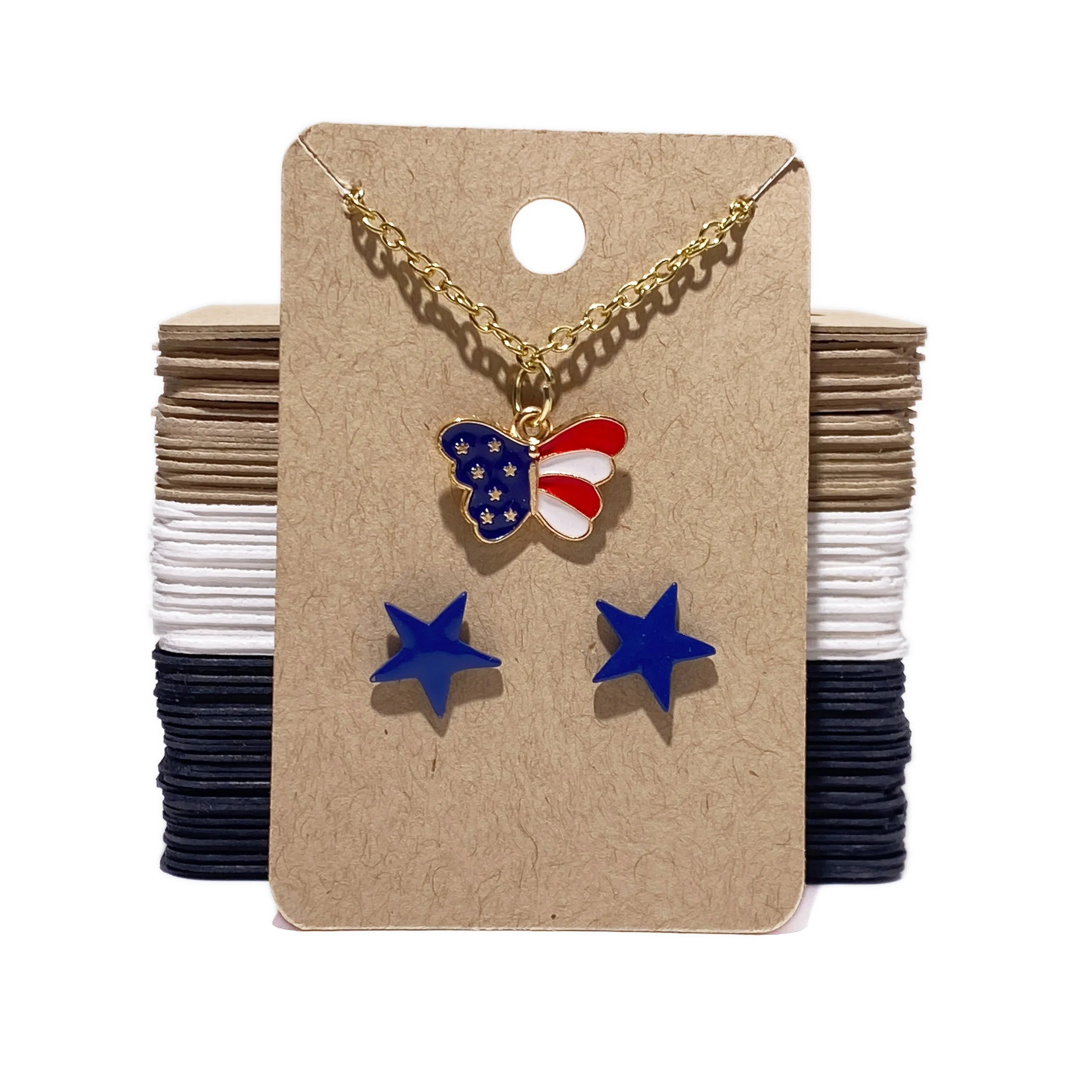


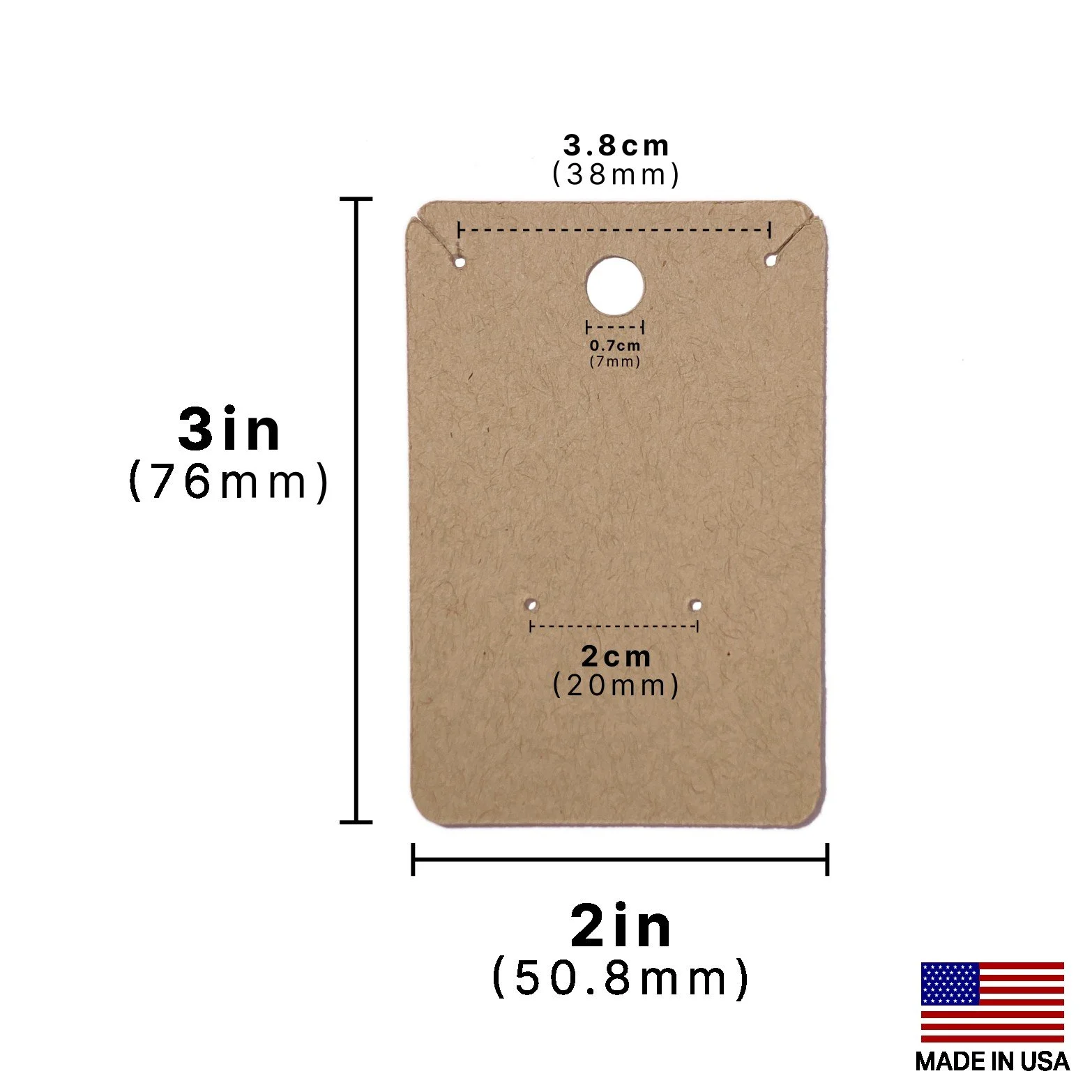



















-
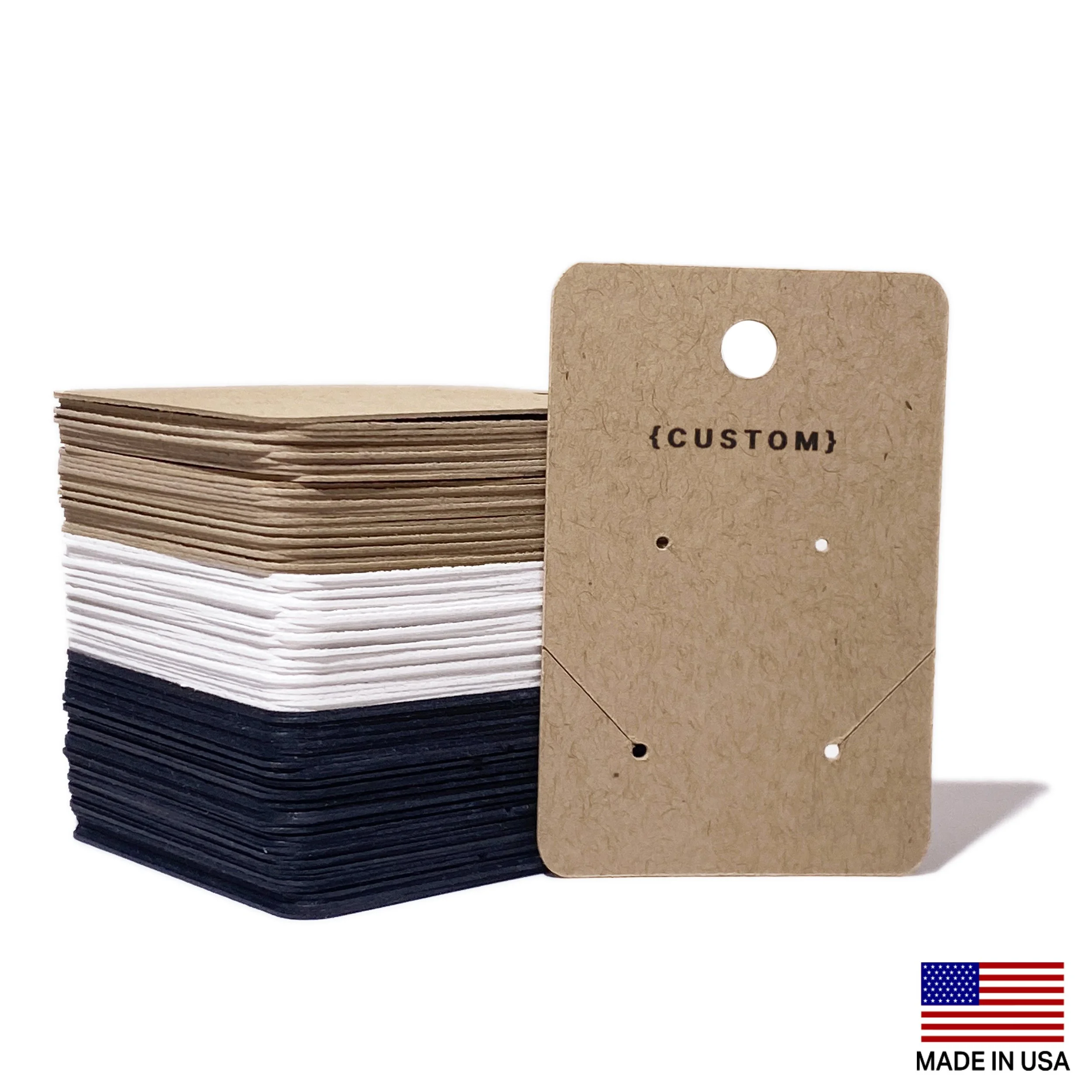
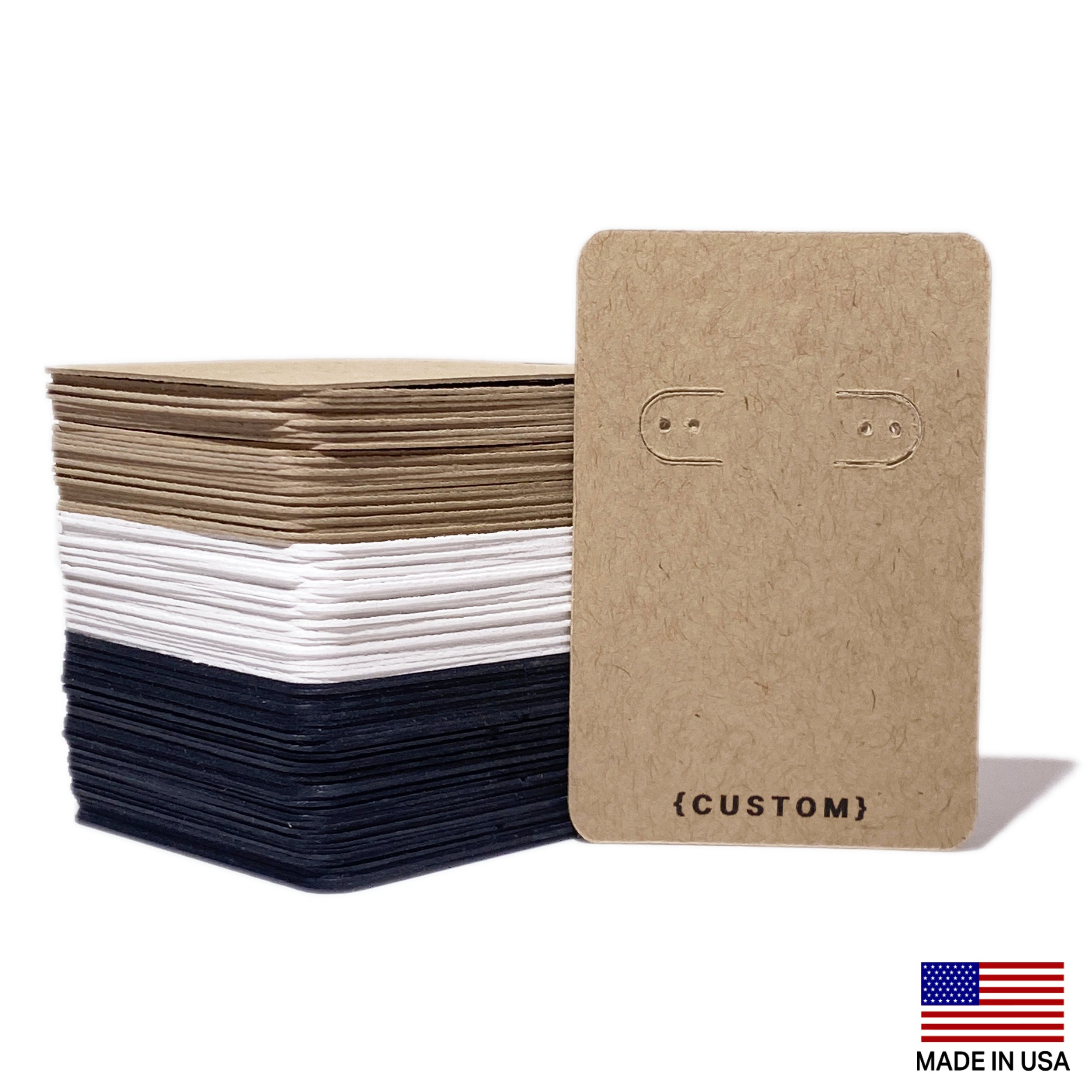
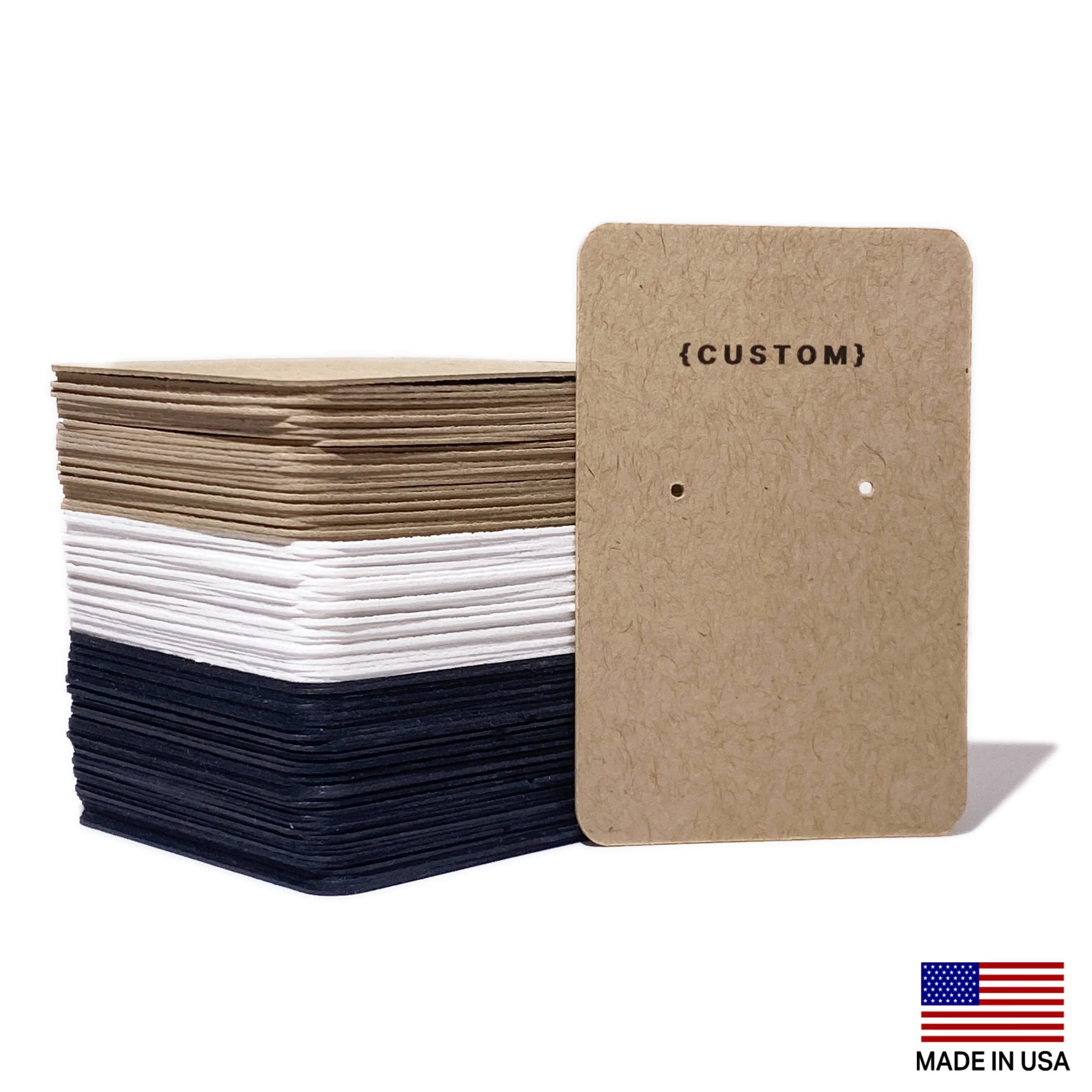
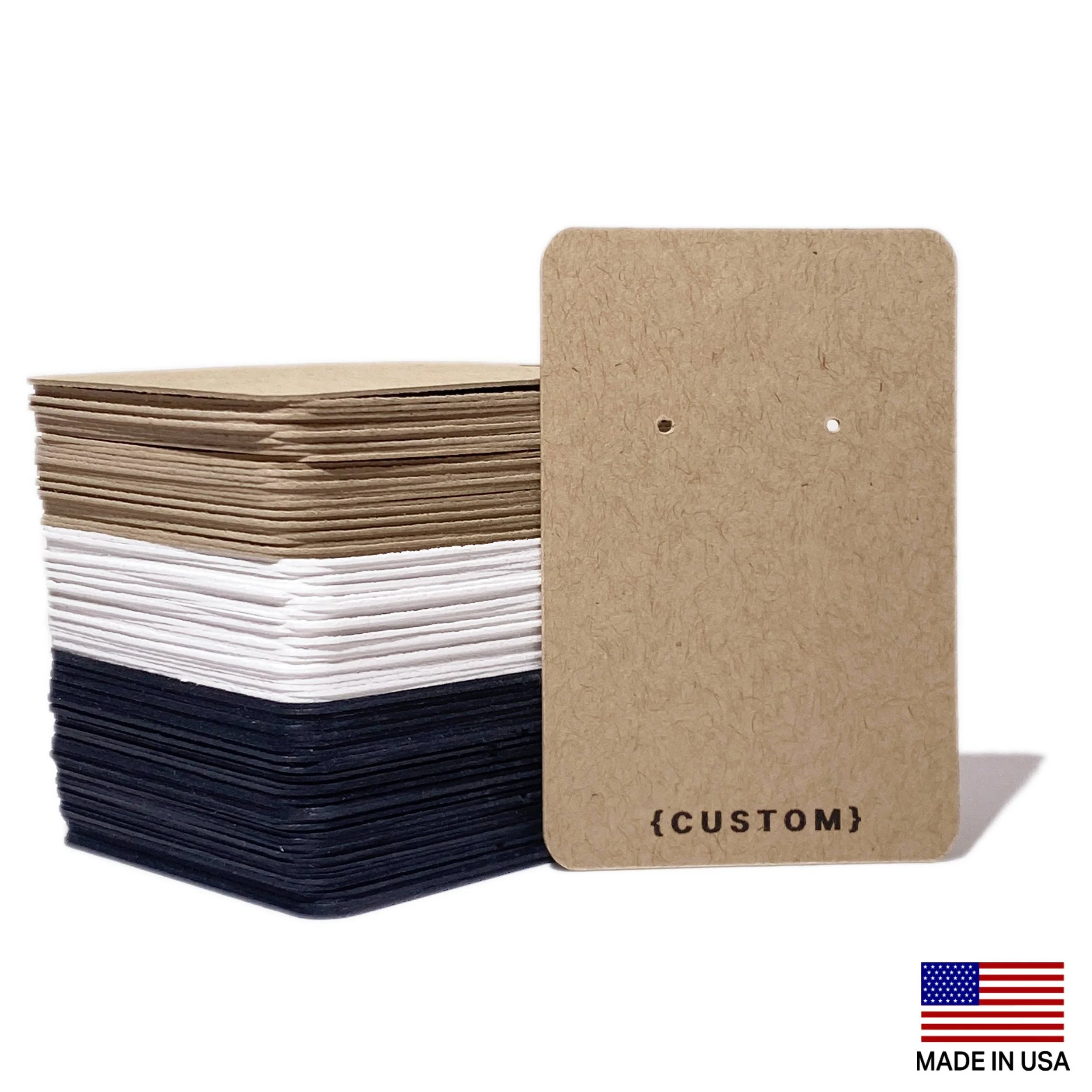
Log in to your Custom Logo account, purchase from the Order Custom Logo Store, and submit your logo via the Custom Logo Form.
-
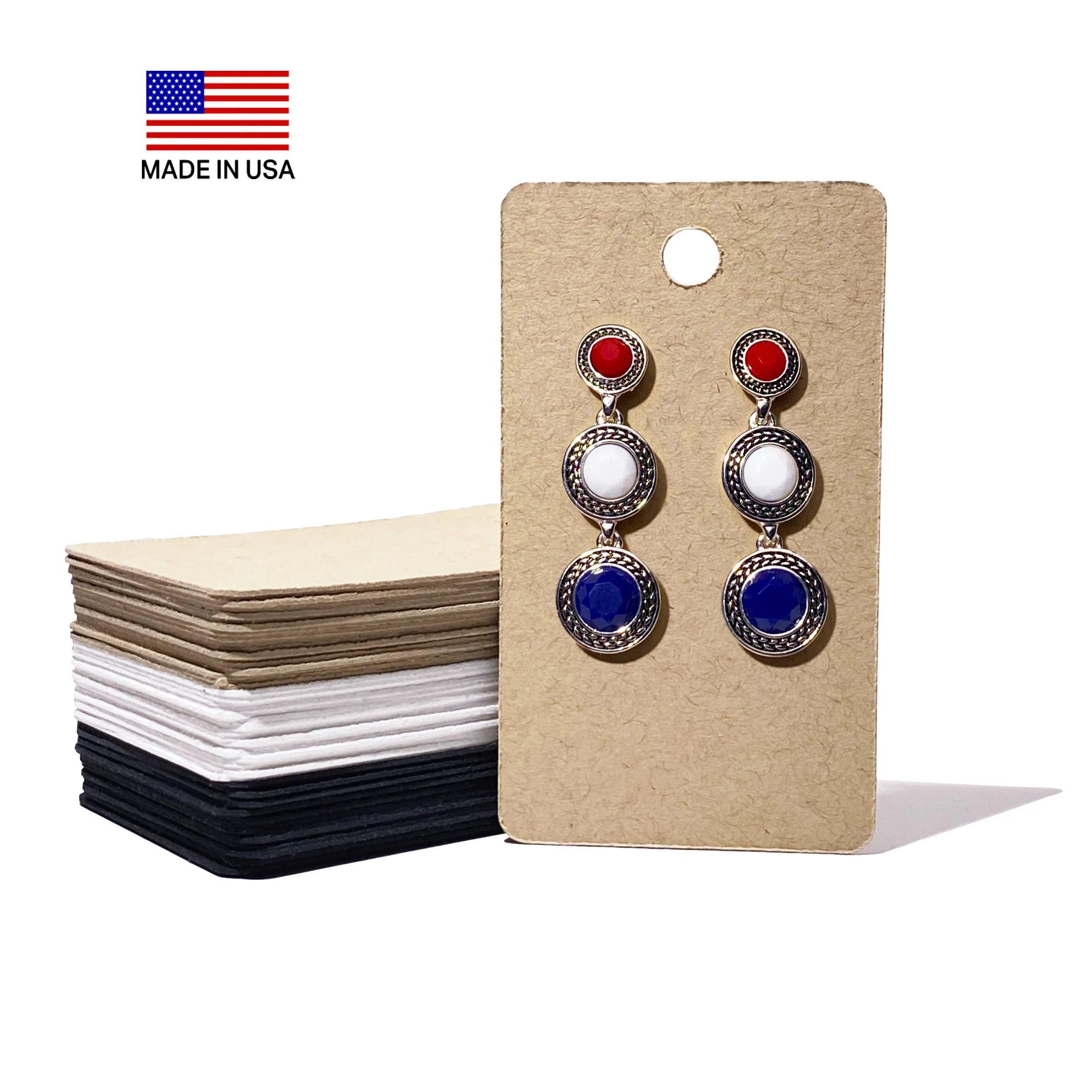
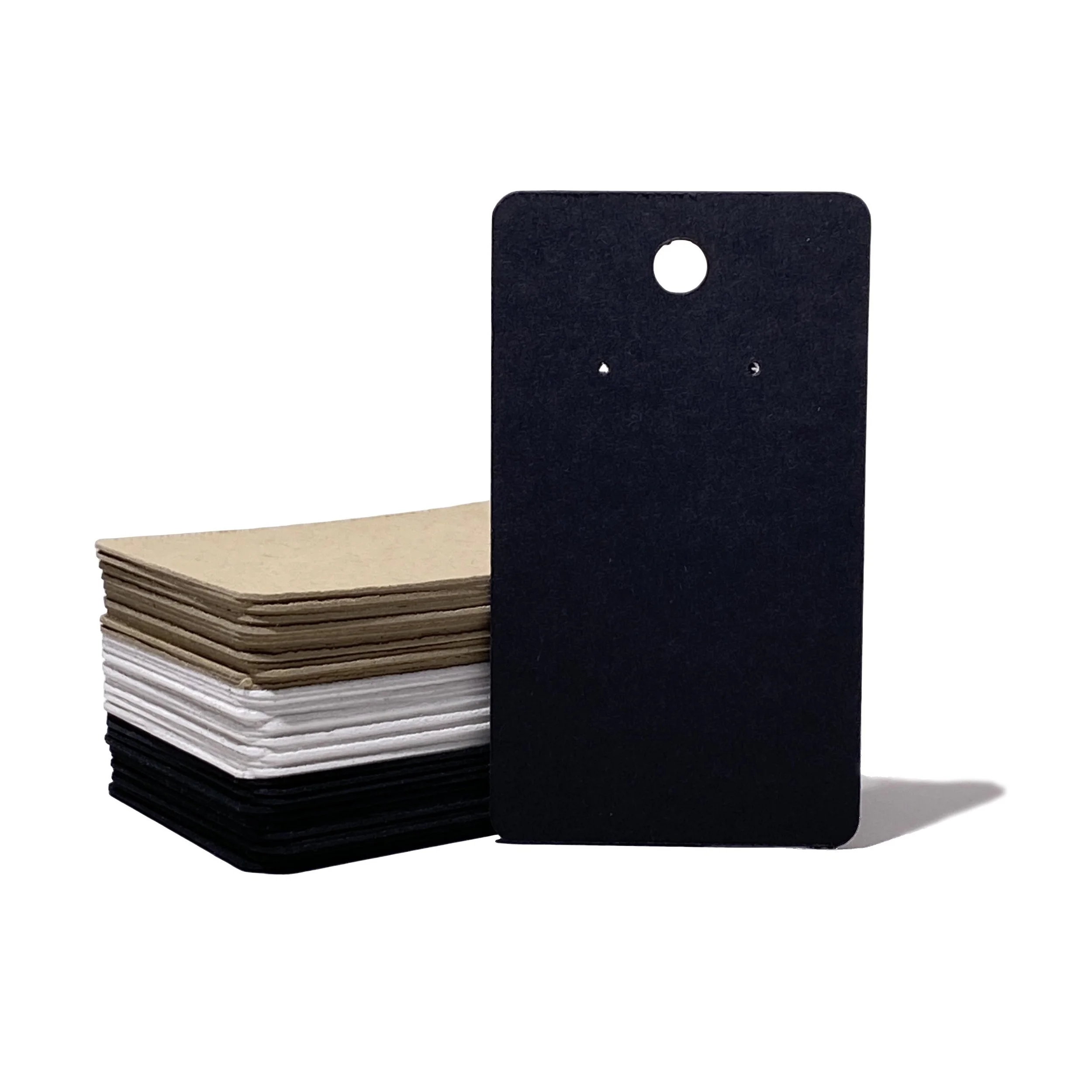
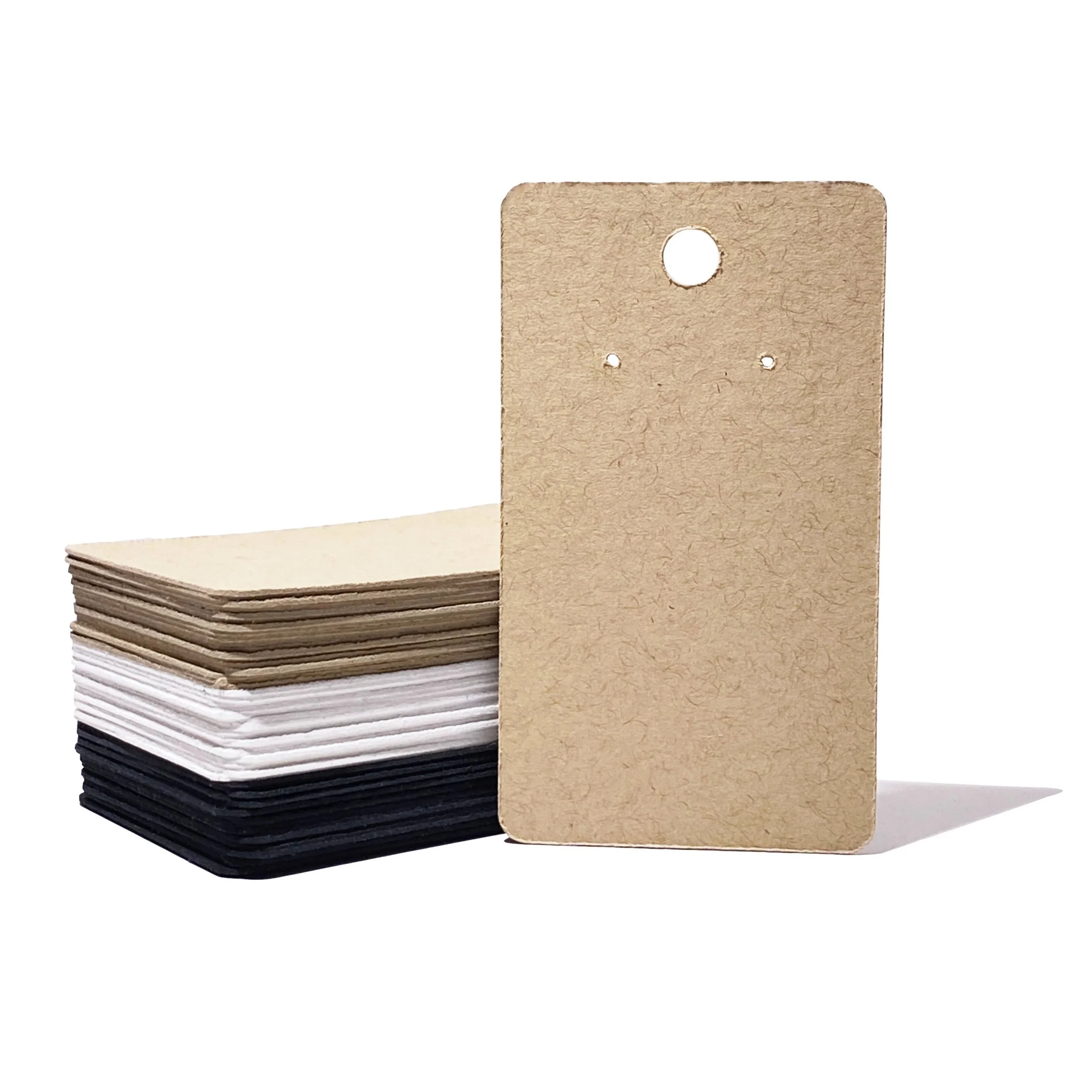
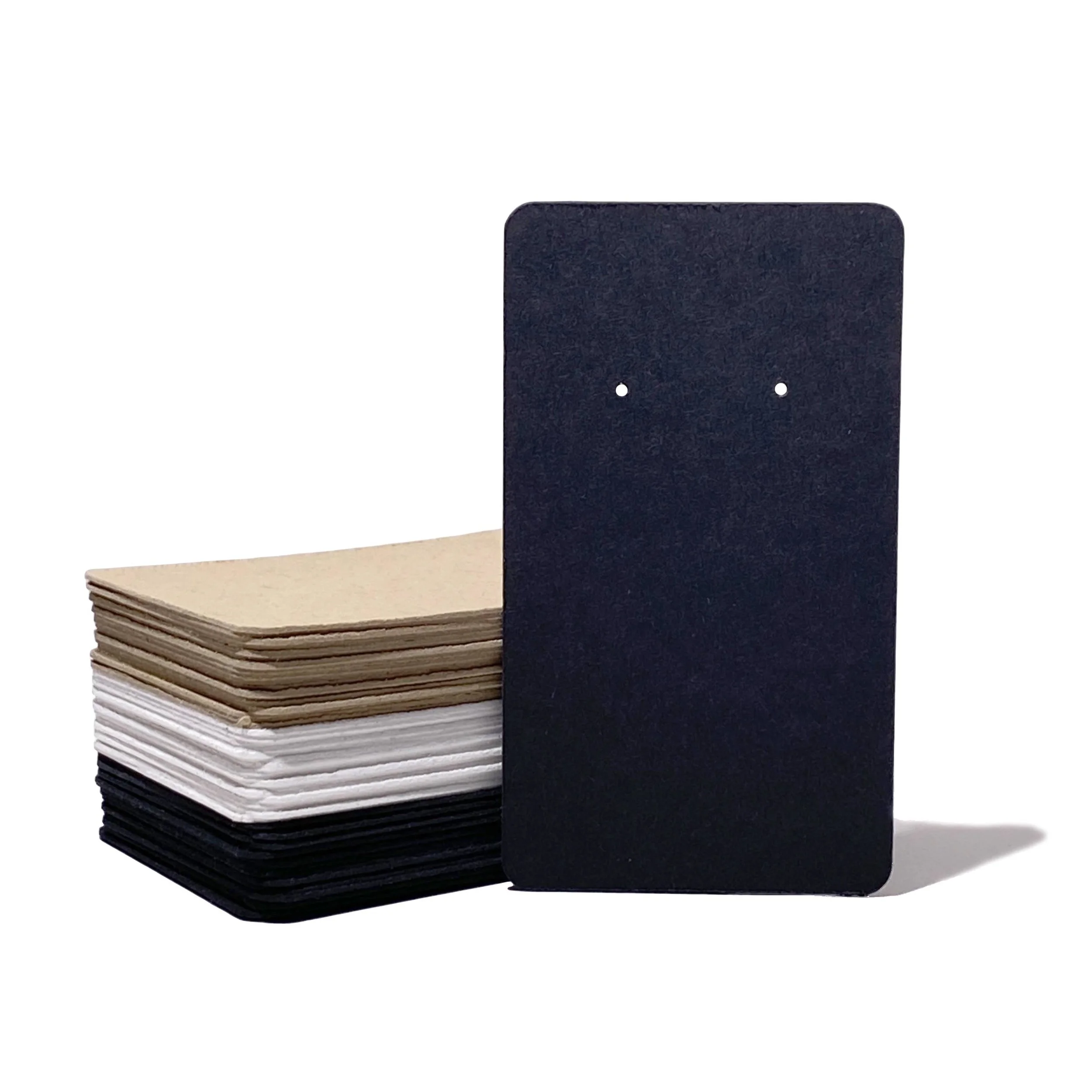
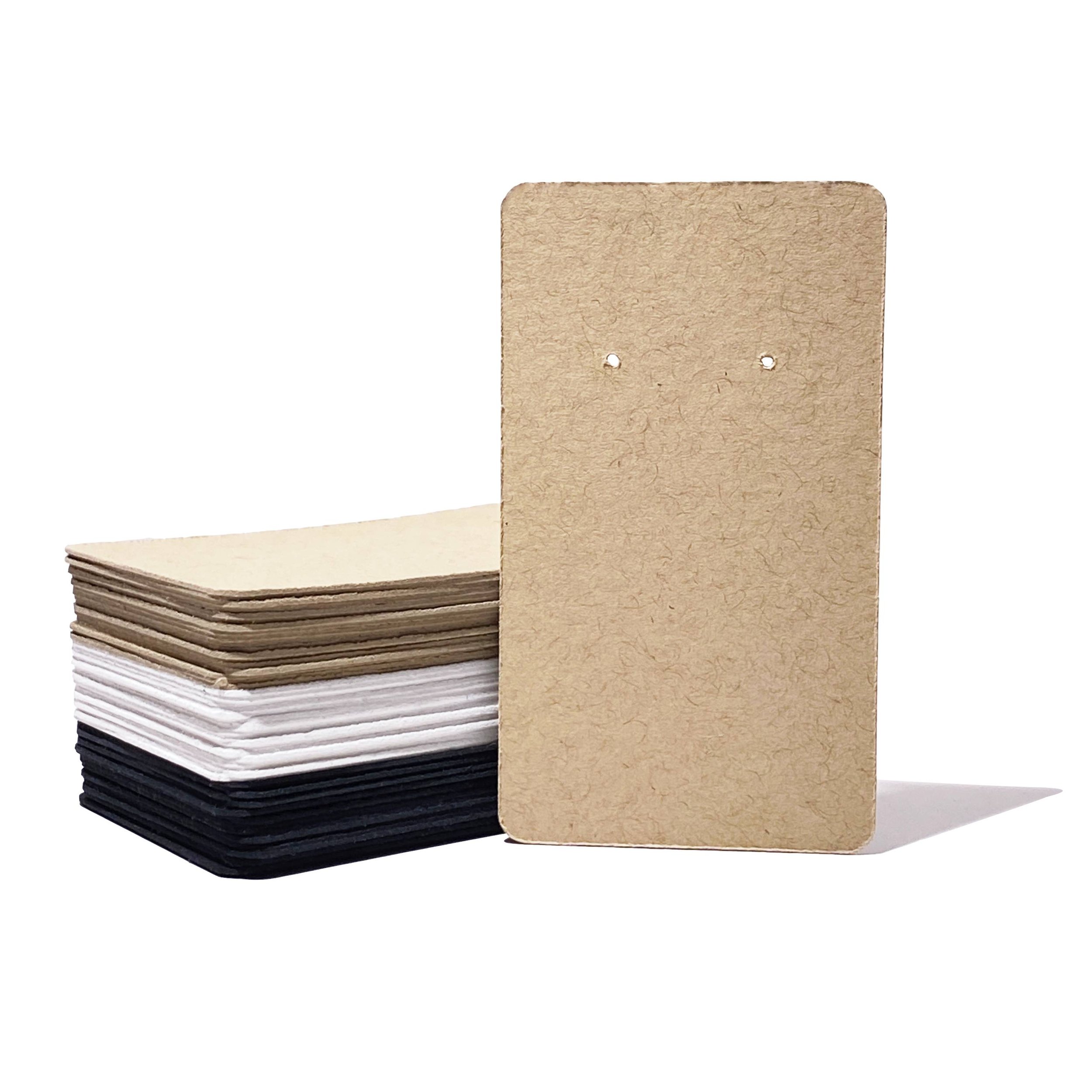
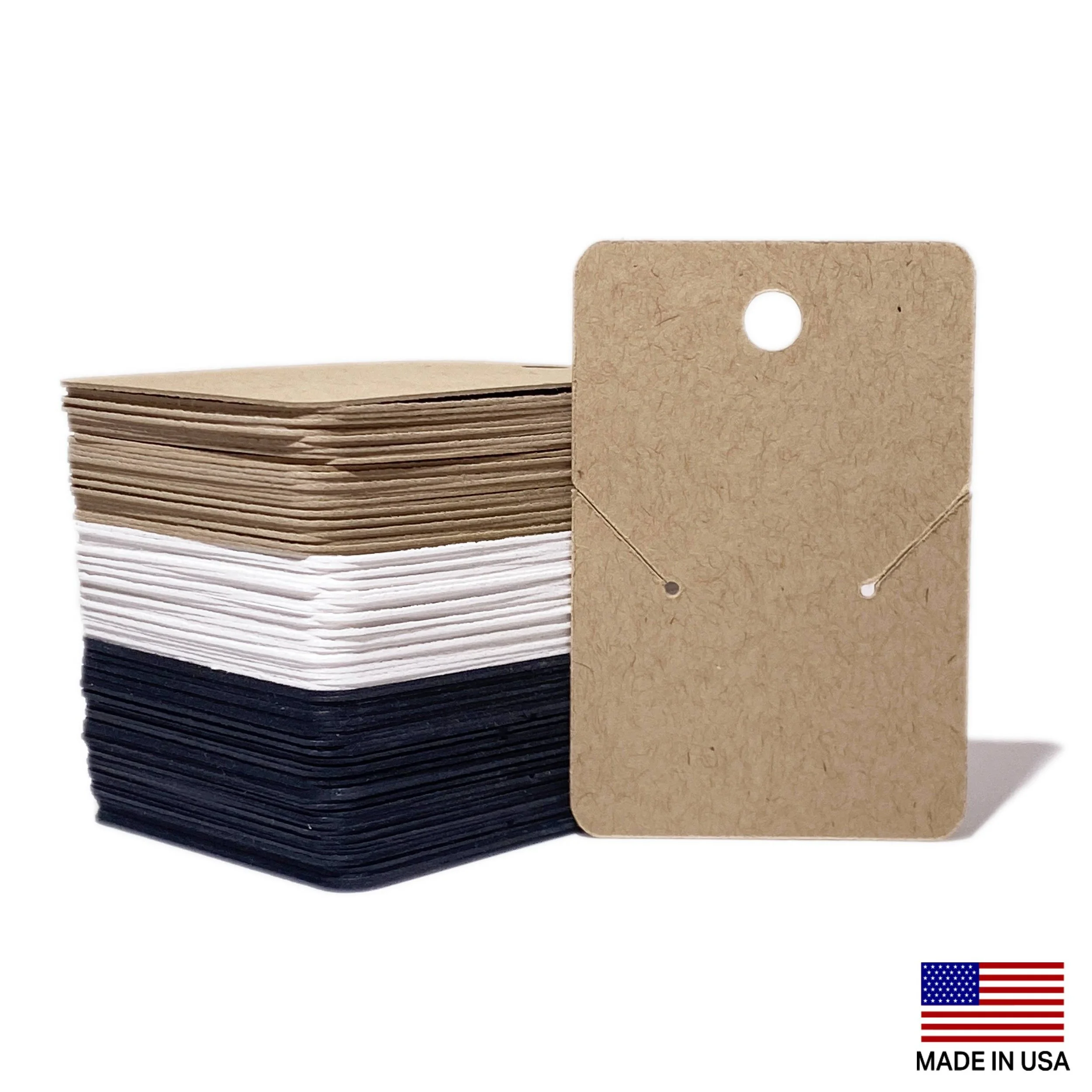
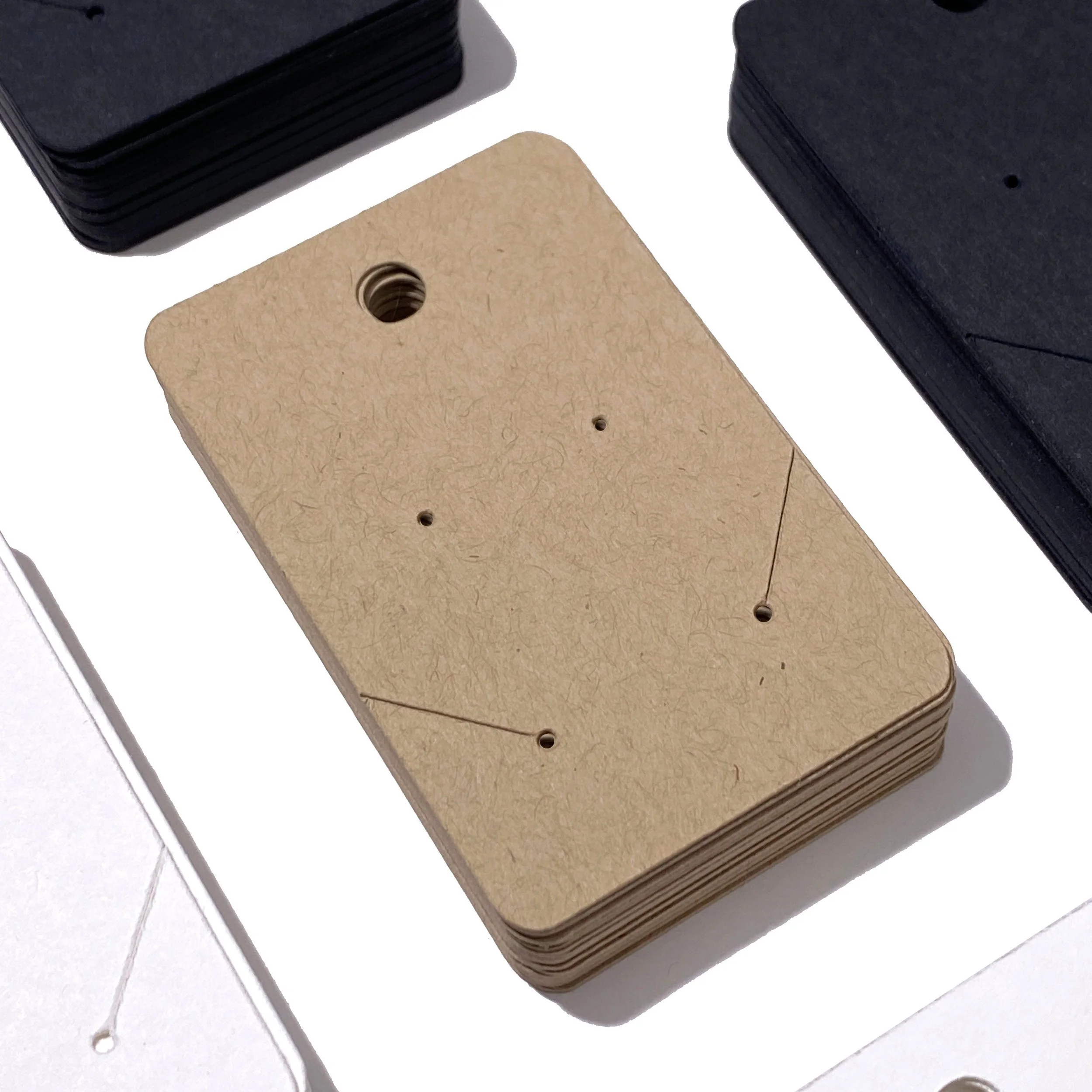
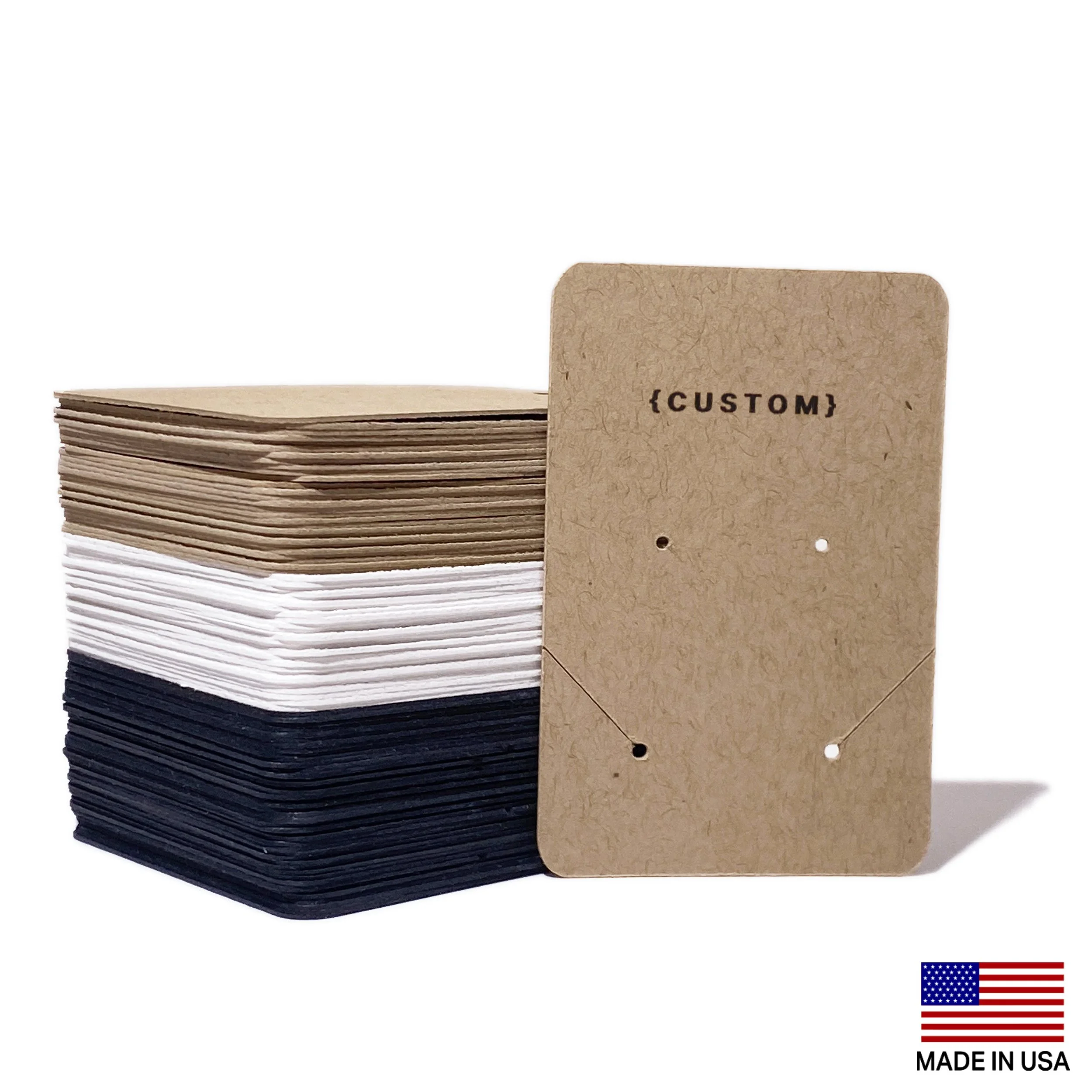
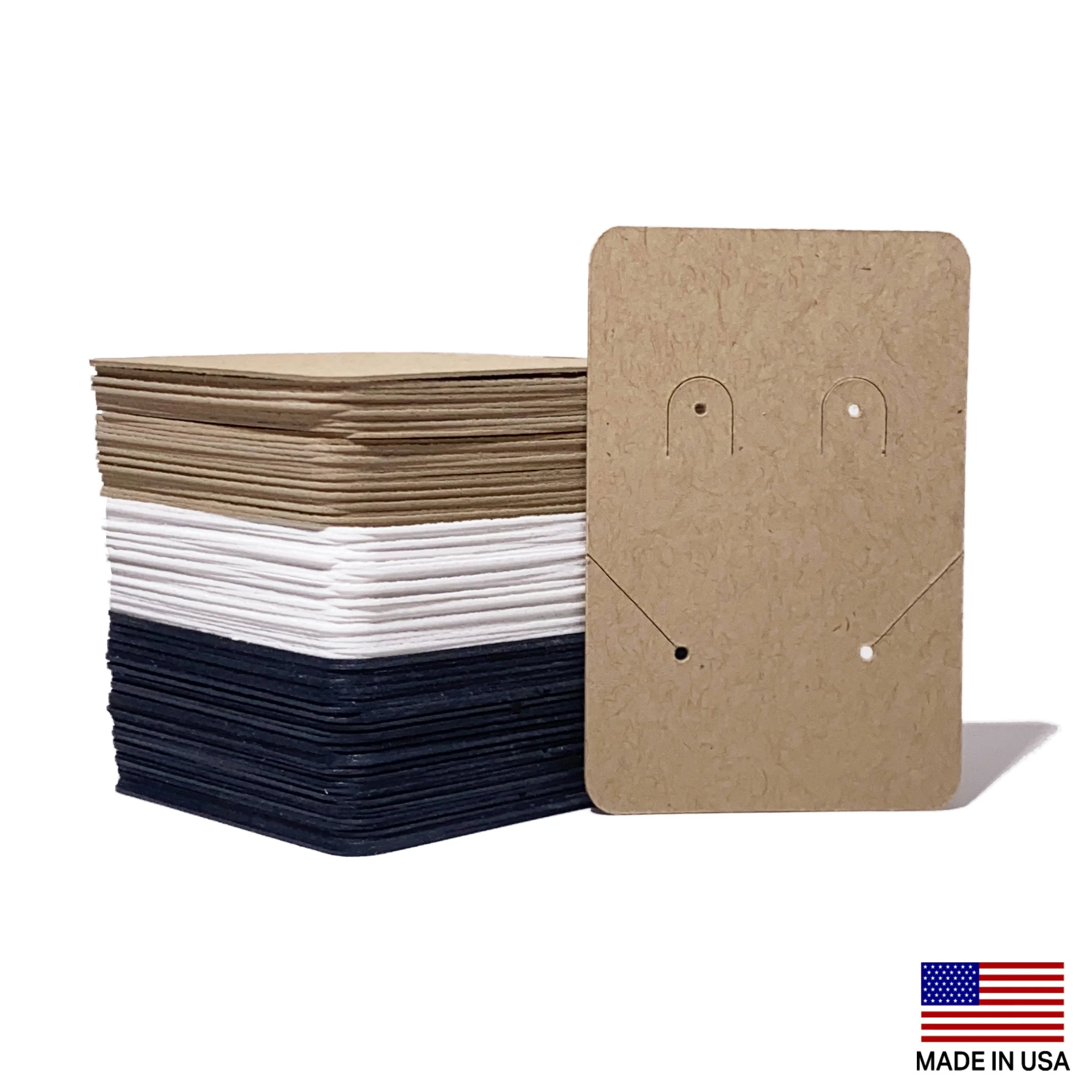
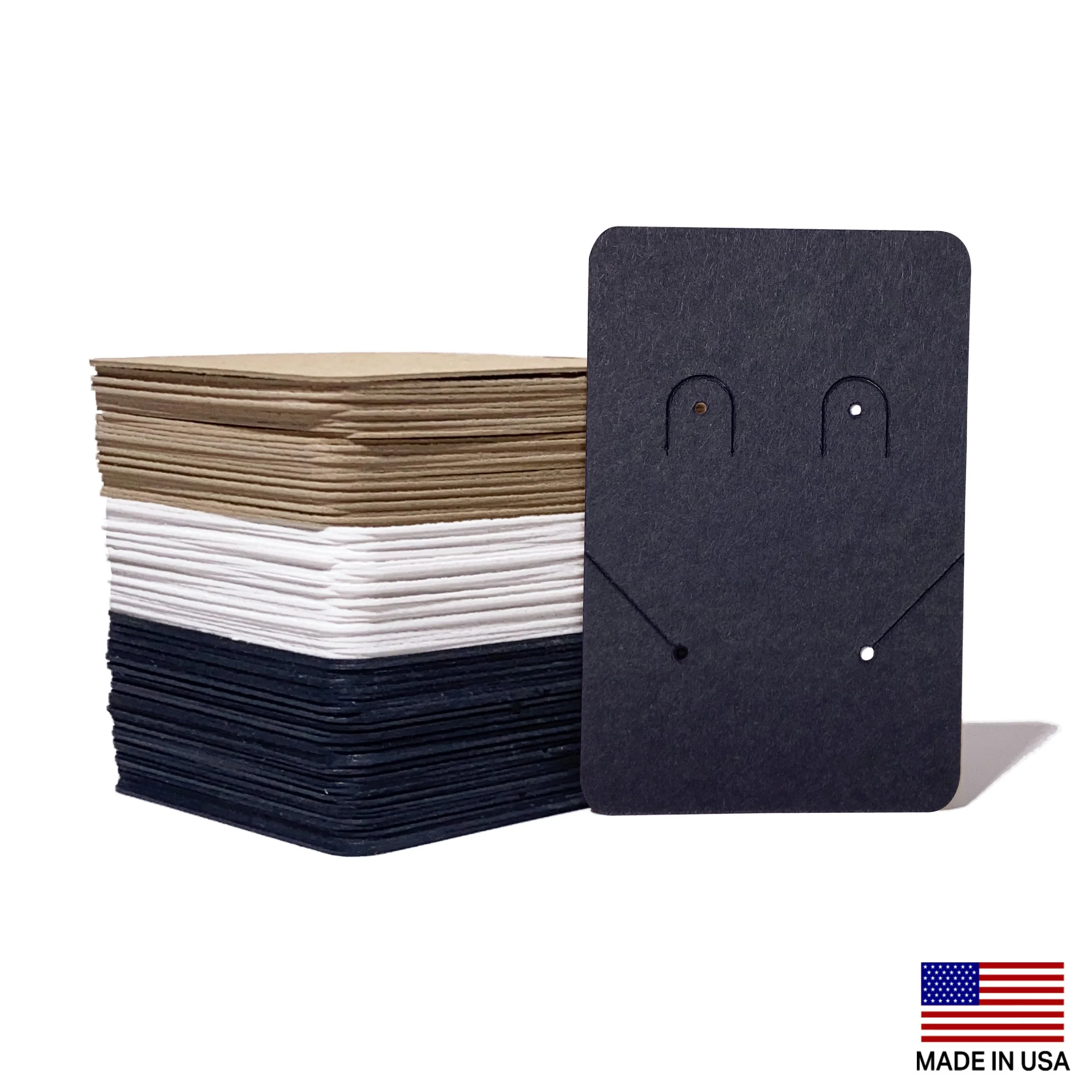
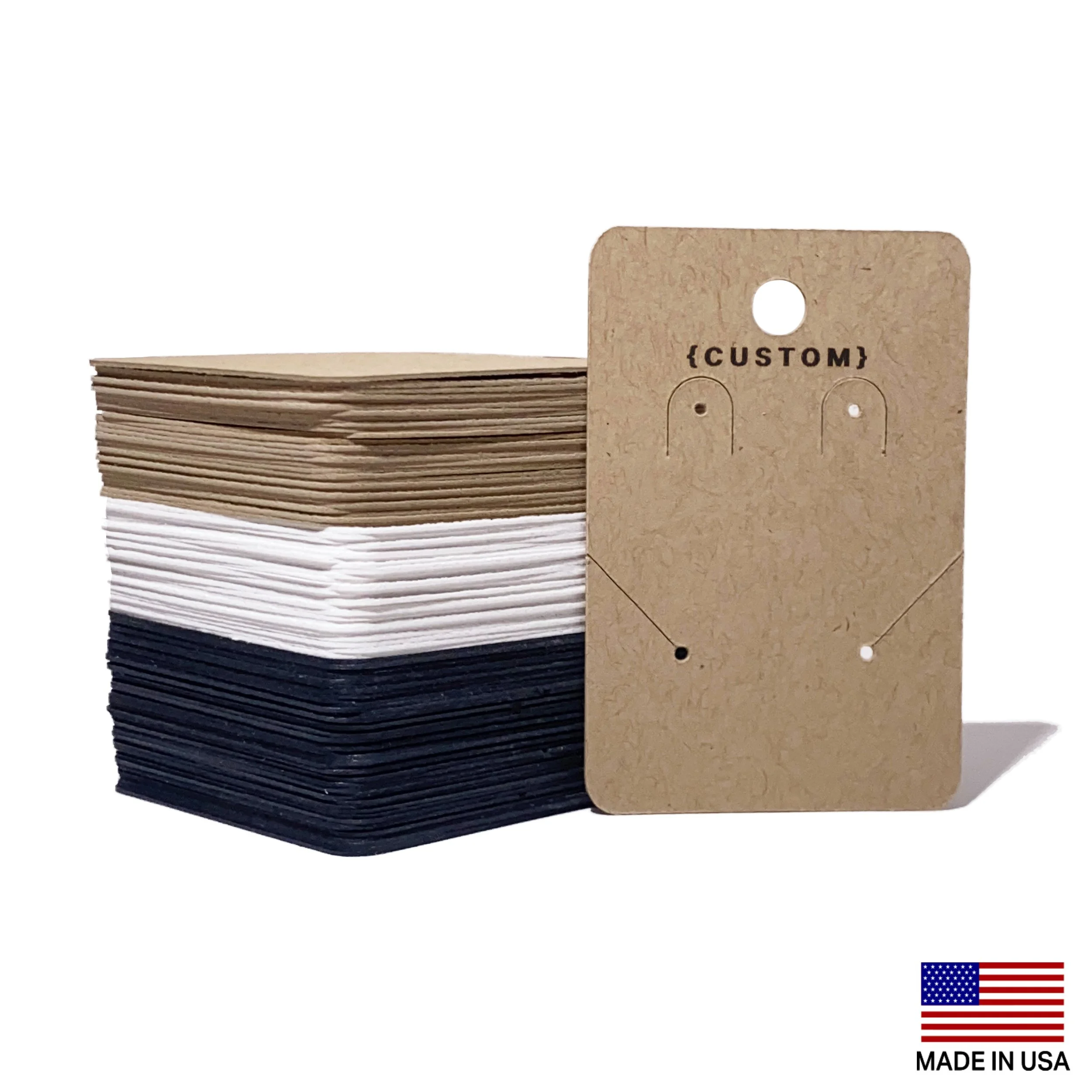
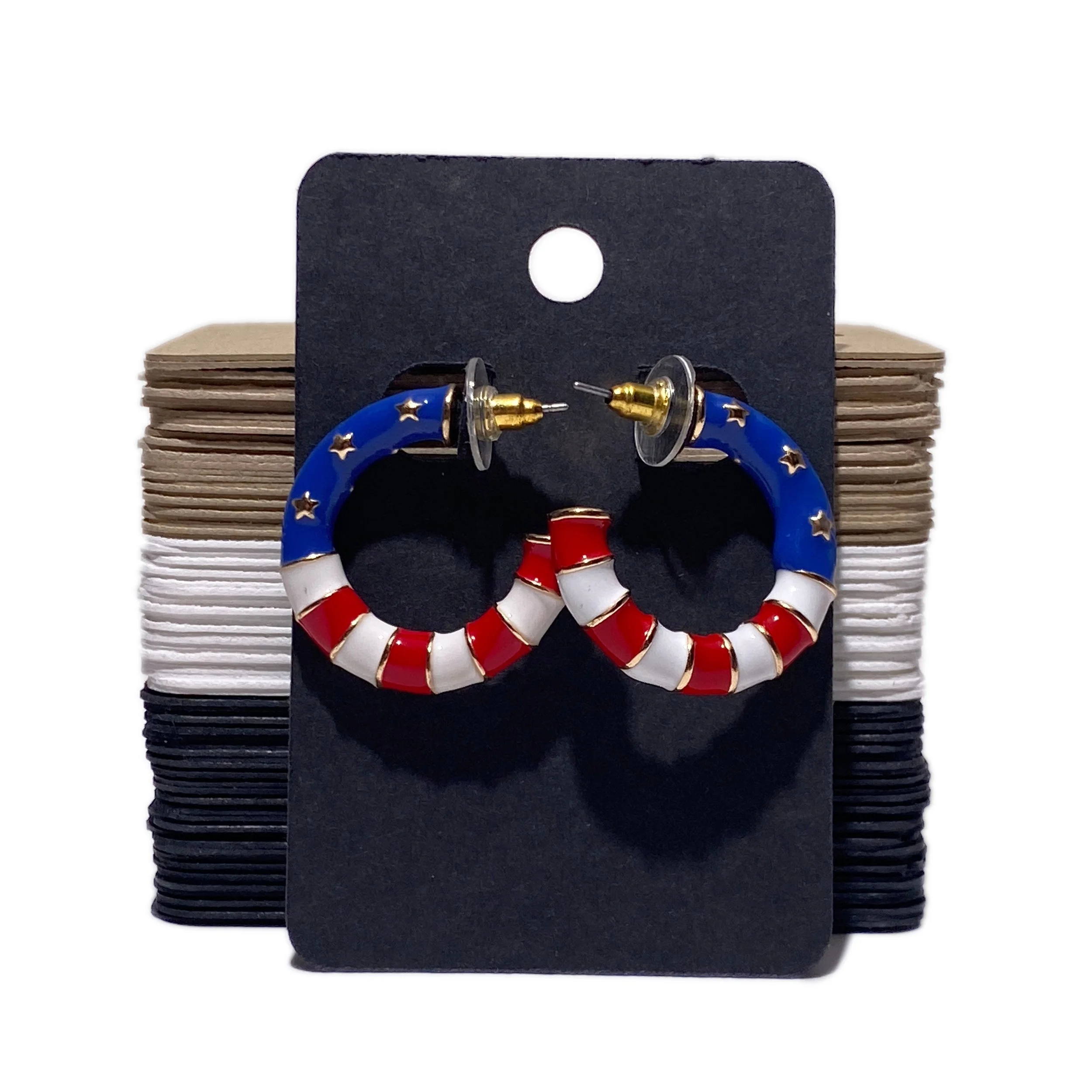
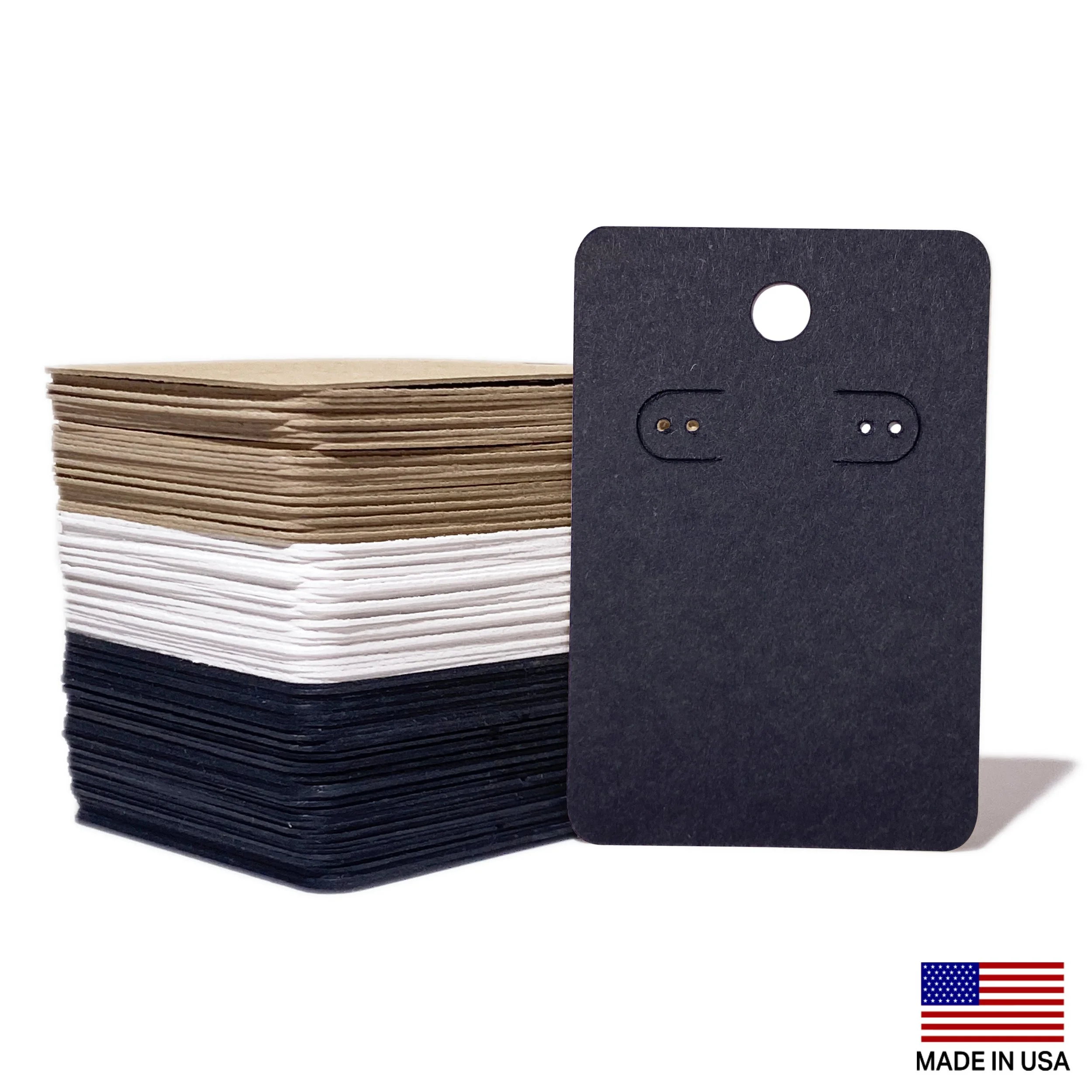
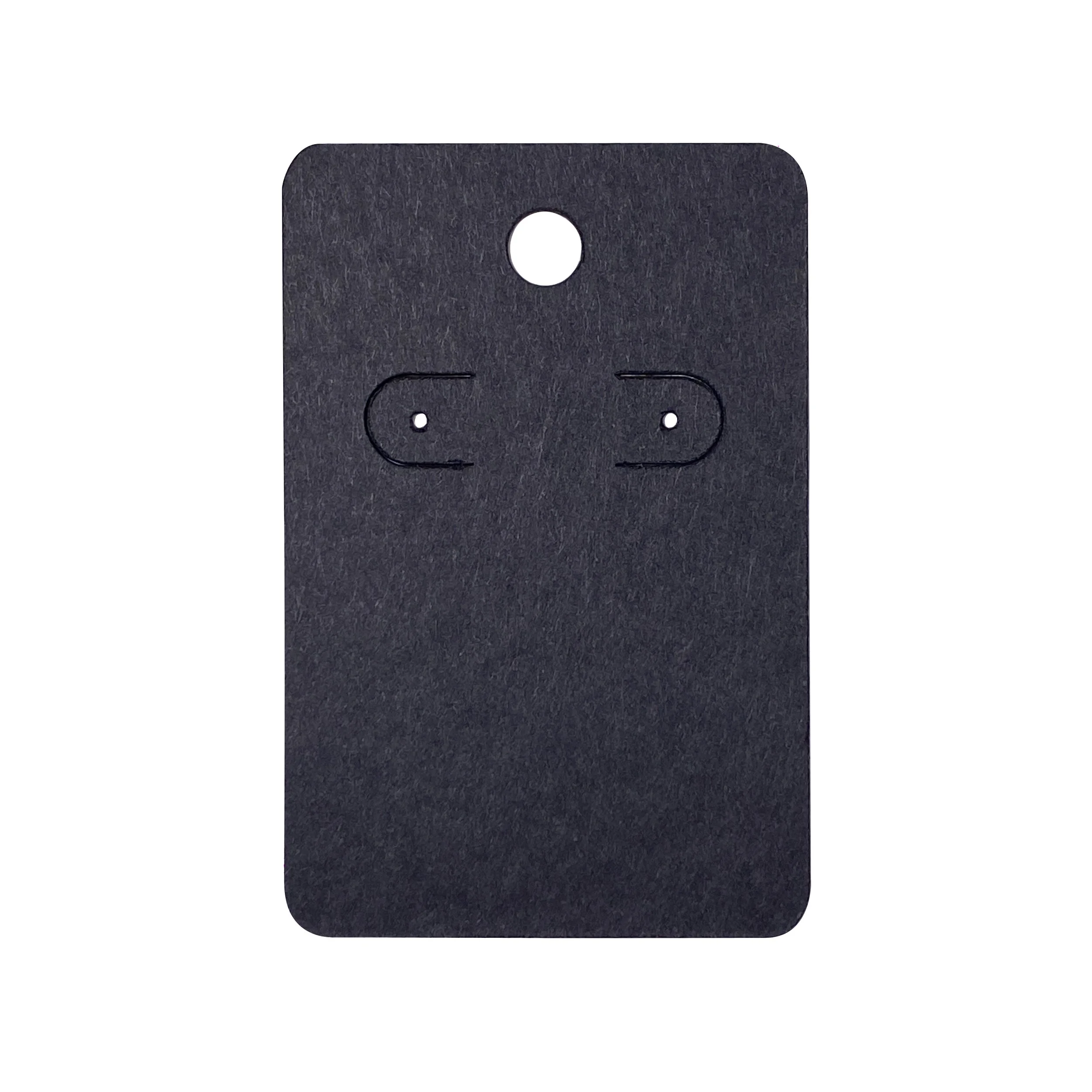
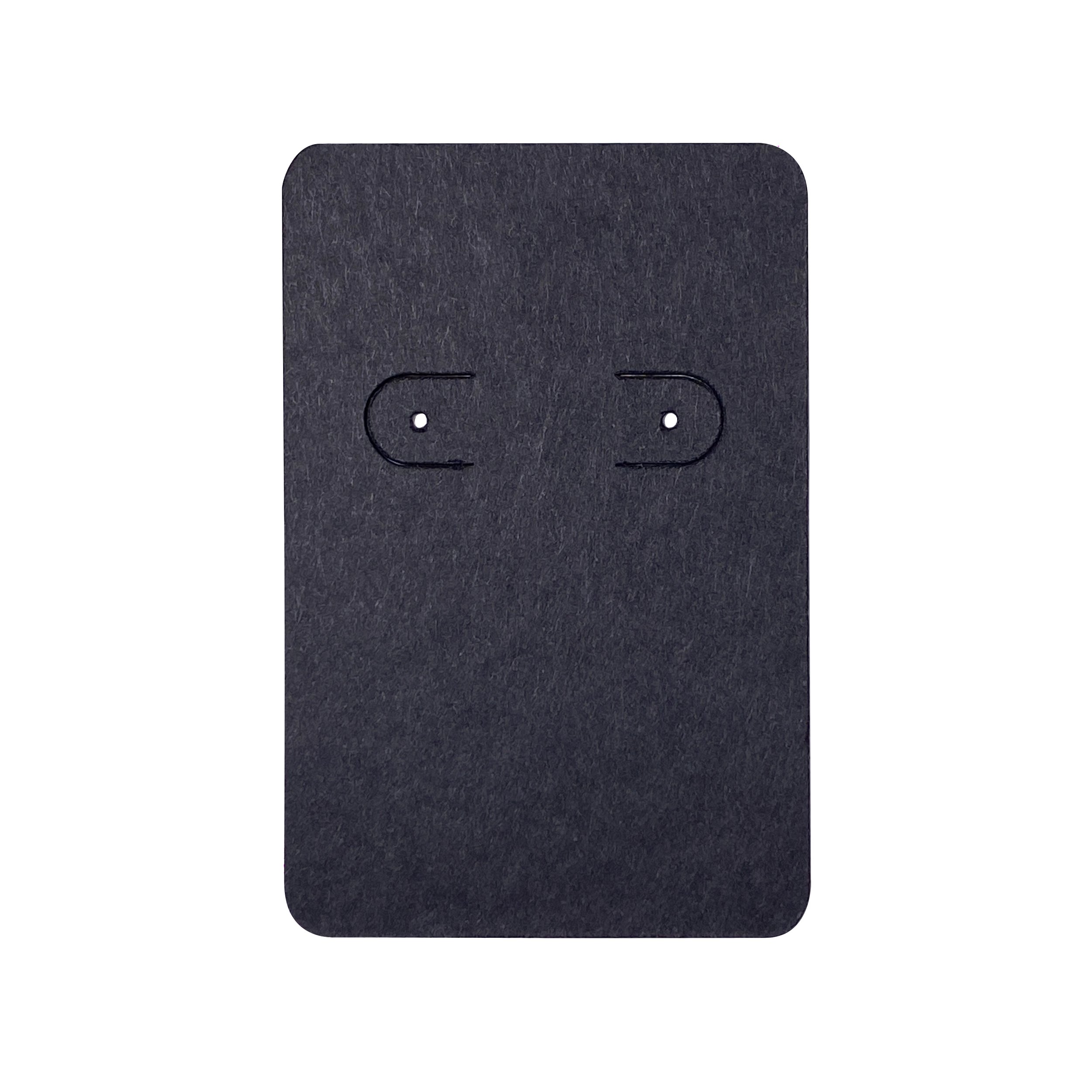
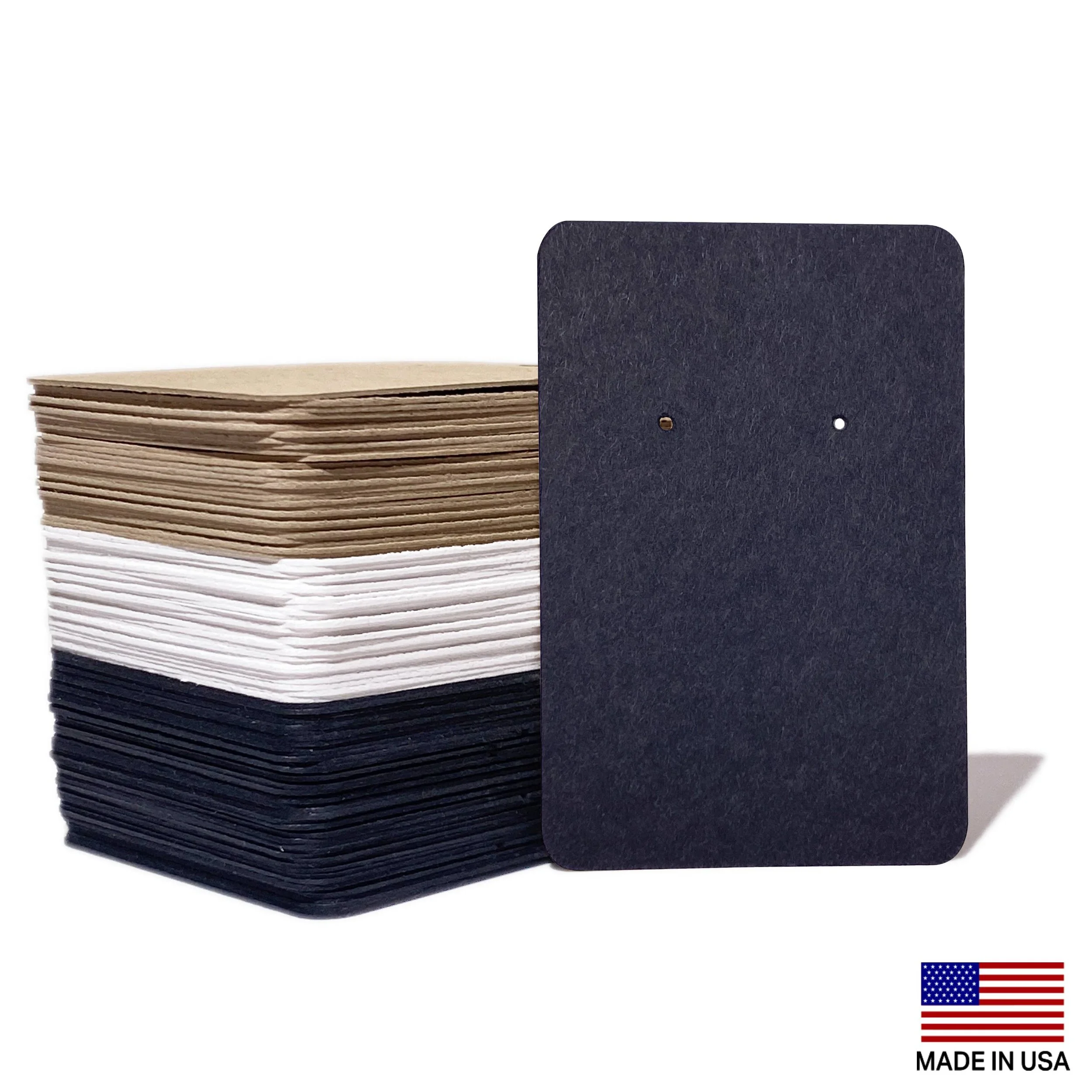
Kraft, Black, or White cardstock – 125lb premium material.
-
We use premium waterproof ink on all display cards for crisp, long-lasting print. A variety of colors is available, but shades may appear different on colored cardstock. White ink is not available on black cardstock.
-
All products are made in the USA. We hand-select materials produced by American manufacturers, including premium cardstock, waterproof ink, and packaging.
FAQs

ADD YOUR LOGO
Custom Logo Form Submission Instructions
To have your file or logo professionally designed on your packaging, please follow the steps below:
Purchase Required – Custom Logo Printing
Step 1
Purchase your product and select “Add Logo” as the print option.Step 2
Complete the Custom Order Form.Step 3
Enter your Order Number
→ This links your file to your purchase.Step 4
Fill out all required fields
• Contact info
• Print instructions
• File uploadStep 5
Upload your design file
Accepted formats: SVG, TIFF, PNG, JPEG, PDF
Best quality: SVG or high-resolution TIFF/PNG
• 2000–3000 px (longest side)
• 300 DPI
• CMYK color modeStep 6
Review all details for accuracy.Step 7
Submit the form.
Our team will review your file and contact you within 24 hours to confirm details and provide proofs before production.